JobAssist Review 2026: 10 Common Questions About JobAssist, Answered
A JobAssist review covering job listings, Auto Apply, pricing, renewals, user reviews, and cancellation.
 ByGraham Mann7-min read
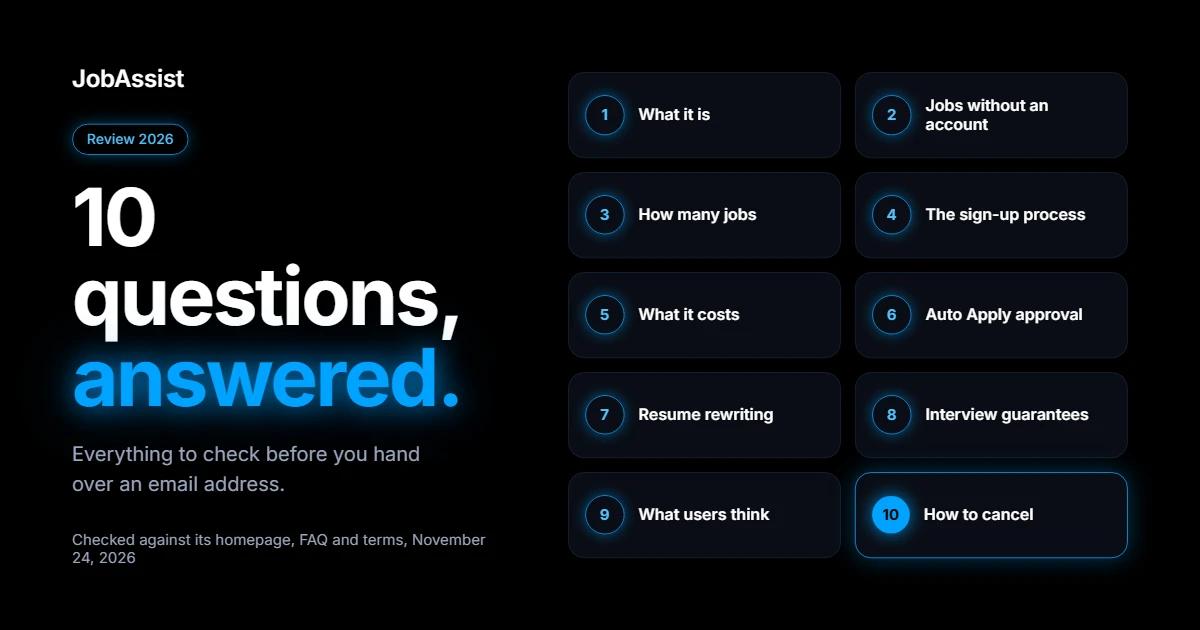
Anyone weighing up JobAssist is likely to want a few things answered before they hand over an email address: what it does, what it costs, whether it applies to jobs on its own and whether the listings are worth anything. We took the ten questions a first-time visitor is most likely to have and answered each one in a sentence or two, followed by the detail.
This review draws on JobAssist's public pages and terms, an earlier walkthrough of its setup and job pages, and my own brief paid test. It isn't a measure of long-term results, and prices and features can change.
1. What is JobAssist?
JobAssist is an AI job search service that scores job listings against your profile and can fill in applications for you. JobAssist says it ranks roles on a 0 to 100 match score, writes cover letters, submits applications through a feature called Auto Apply and tracks what happens to them on a dashboard.
The matching depends on a profile you build during sign-up, covered in question 4. The listings it draws on are also published on public job pages.
2. Can you see JobAssist's jobs without an account?
Partly. The job cards are public, but the full listings are locked.
Anyone can browse JobAssist's Jobs pages by category, job title or company while logged out. Each card shows the title, employer, a short summary, office, hybrid or remote status, city and posting date, and many show a salary range. Opening a card with View Job, though, leads to a page where the responsibilities and requirements are blurred behind a prompt to sign up. The only way to apply from that page is a button labeled Apply with JobAssist, with no link to the job on the employer's own site.
3. How many jobs does JobAssist have?
JobAssist says it has more than 25.3 million jobs from more than 2.2 million companies, according to its homepage on November 28, 2026.
The figure is JobAssist's own, and the site does not explain how the total is counted. JobAssist says its categories are updated daily; its terms say it does not guarantee third-party listing information is current or accurate. Its job pages sort listings by category and list large employers such as Amazon, Google and NVIDIA among the companies hiring. A large total matters less than how many listings fit your title, city and pay range, which the public pages let you check by search. In my test, one 100/100 match specified US work authorization. A high score is not proof of eligibility, so check promising roles with the employer.
4. How does the sign-up process work?
It is a questionnaire of 13 questions, followed by an account screen.
The questions cover your target job title, experience level, education, city, minimum salary, the kinds of work you would take and when you want to start, plus a few about your situation. Uploading a resume is optional, though the setup encourages it. A summary screen lets you edit seven of your answers before matching begins. In an earlier walkthrough, JobAssist then reported 2,939 matching jobs and asked for an email address or Google sign-in before showing any of them.
5. How much does JobAssist cost?
The Canadian pricing shown for this review listed a CA$5.99 first week, with a standard rate after the opening period. In my Canadian checkout, the three-month plan was CA$49.99 initially, then CA$149.99 every three months.
Opening prices
The Canadian pricing shown for this review listed three plans: CA$5.99 for the first week, CA$23.99 for the first month and CA$49.99 for the first three months. Its terms describe the plans as "full access to premium features."
After the opening period
In the Canadian pricing shown, the week and month plans continued at CA$59.99 a month, and the three-month plan at CA$149.99 every three months, until cancelled. Separately, my Canadian checkout showed CA$49.99 for the first three months and CA$149.99 every three months after that. Prices and currencies can vary by region and promotion, according to the terms. Check the initial price, currency and renewal rate at checkout.
6. Does Auto Apply send applications without your approval?
Auto Apply is optional. In my paid test, I chose to turn it on, and roles moved to Applying without a separate approval appearing for each role.
What the FAQ says
The FAQ calls Auto Apply a one-click action: you find a role, click Auto Apply, and JobAssist fills in the application and attaches a cover letter. It adds that "nothing is ever sent without your approval."
What the setup says
During my setup, I chose to enable Auto Apply, and the screen said it would apply automatically to jobs meeting my selected match threshold. JobAssist’s jobs page also describes an auto-approve option for strong matches. When I disabled Auto Apply, it stopped. The dashboard displayed application statuses, but I did not verify what was transmitted or whether an employer received an application. Check the approval settings and application materials before enabling automation.
7. Does JobAssist rewrite your resume?
JobAssist's own pages give two answers.
The FAQ says "your resume is entirely your own" and that JobAssist never rewrites it. The Auto Apply section of the same homepage says JobAssist "tailors your resume to the posting," writes a cover letter and submits the application. Both can be true only if tailoring means something short of rewriting, and the site doesn't say what. Before approving an application, check what resume and cover letter it includes.
8. Does JobAssist guarantee interviews?
No. Its FAQ says no tool can guarantee an employer's response.
What JobAssist does promise is that every application is "real, tailored and matched to your profile." The FAQ adds that many users see interviews within the first couple of weeks, but that results vary by market, role and experience level. Treat the match score as a way to sort listings, and judge the service by the replies you get.
9. What do JobAssist's users think of it?
On balance, they like it. The praise is about relevance and time saved, and the complaints are about repeated or overly broad results.
JobAssist displays a 4.8 rating based on 870 reviews; its Reviews.io page lists customer reviews. Reviewers there tend to describe it as something that fits into a daily routine. One compared it with tools that ask for as much time as a job itself and said the lighter load helped them keep at their search. Another credited Auto Apply with taking over the repetitive parts of applying while still leaving room to personalize. Where reviewers push back, it is over results that repeat or recommendations that stretch beyond their field.
JobAssist displays this Reviews.io rating on its own job pages, so weigh it against a look at the listings themselves. You can also read reviews on its Trustpilot profile.
10. How do you cancel JobAssist?
Through your account or by emailing support, according to its terms.
The FAQ says cancelling from your account takes under a minute, with no phone call. It says access continues until the end of the period already paid for. Its terms say email cancellation requests are processed within one to two business days and refund requests are handled case by case. Cancel before renewal and retain your confirmation.
Our verdict: is JobAssist worth it?
It depends on how many similar roles you plan to apply to. JobAssist is built for volume: one profile, a ranked list of matches and applications filled in for you. For a search across many comparable openings, the opening prices are low, and reviewers describe the matches as relevant.
The weak points sit in what JobAssist leaves unclear. Check the Auto Apply settings and what the service will send on your behalf. Its own pages differ on whether your resume is rewritten, full listings are locked until you sign up, and renewal rates follow the opening period. Before signing up, search the public job pages for two or three titles in your city, and once inside, check the approval setting and one finished application before sending more.
For more on choosing work and using time well, see what happened after I left my PM job, how work gets crowded out by managing it, and how confirmation bias can affect decisions.